How to turn any device into a time clock for Mexico's 2027 work-hours record
Starting January 1, 2027, every employer in Mexico must keep an electronic record of its staff's hours. The law doesn't require a device: a tablet or phone works if the system follows seven rules. What the decree says, what's still pending and what to do before January.
Starting January 1, 2027, every employer in Mexico will have to keep an electronic record of each worker's hours. The question we hear most is not whether to do it, but whether to buy a time clock.
The short answer is: not necessarily. The law asks for an electronic record, not a device. A tablet, a phone or a laptop with a camera can work as a time clock if the system behind it is well designed. This is what the reform says, what is still unknown, and what a time clock needs so the record holds up the day someone asks for it.
What the reform says
On May 1, 2026, Mexico's Official Gazette (DOF) published the decree that cuts the workweek to 40 hours. Besides shortening the week, it added section XXXIV to Article 132 of the Federal Labor Law. That section requires employers to record each worker's hours electronically, with start and end times, and to hand that record to the authorities when requested.
Three points in the decree matter when choosing how to record:
- The Labor Ministry (STPS) will define who must comply and the exceptions, through general rules. Those rules take effect on January 1, 2027.
- The record is full evidence if it is shown that worker and employer agreed on it. In other words, the agreement on how hours are recorded matters as much as the record itself.
- Non-compliance costs 250 to 5,000 UMA (Article 994, section IV Bis). With the 2026 UMA of 117.31 pesos, that is roughly 29,300 to 586,550 pesos.
The workweek does not drop all at once: the decree cuts two hours per year, from 48 hours in 2026 to 46 in 2027, 44 in 2028, 42 in 2029 and 40 in 2030. The record, however, starts in 2027. And as the week shrinks, every overtime hour matters more, because overtime caps and double or triple pay are calculated against that record.
What is still unknown
As of November 15, 2026, the STPS has not published the electronic record rules in the DOF. Outlets such as Publimetro and Expansión report that companies are still waiting for them. Some law firms expect them in December, with a phased rollout by company size, but none of that is official yet.
That means nobody can sell you a system "certified" for the rule today. No such certification exists. What we do know is what the decree says, and the decree does not require biometrics, fingerprints, facial recognition or any particular device. It asks for an electronic record of start and end times, per person, that can be handed over.
Given that uncertainty, the sensible choice is something that can be adjusted when the rules come out, not something that locks you into a piece of hardware.
Why any device can be the time clock
A traditional time clock is a device with its own memory, its own clock and its own software. When you need the report, someone downloads the data, moves it to Excel and reconciles it with payroll.
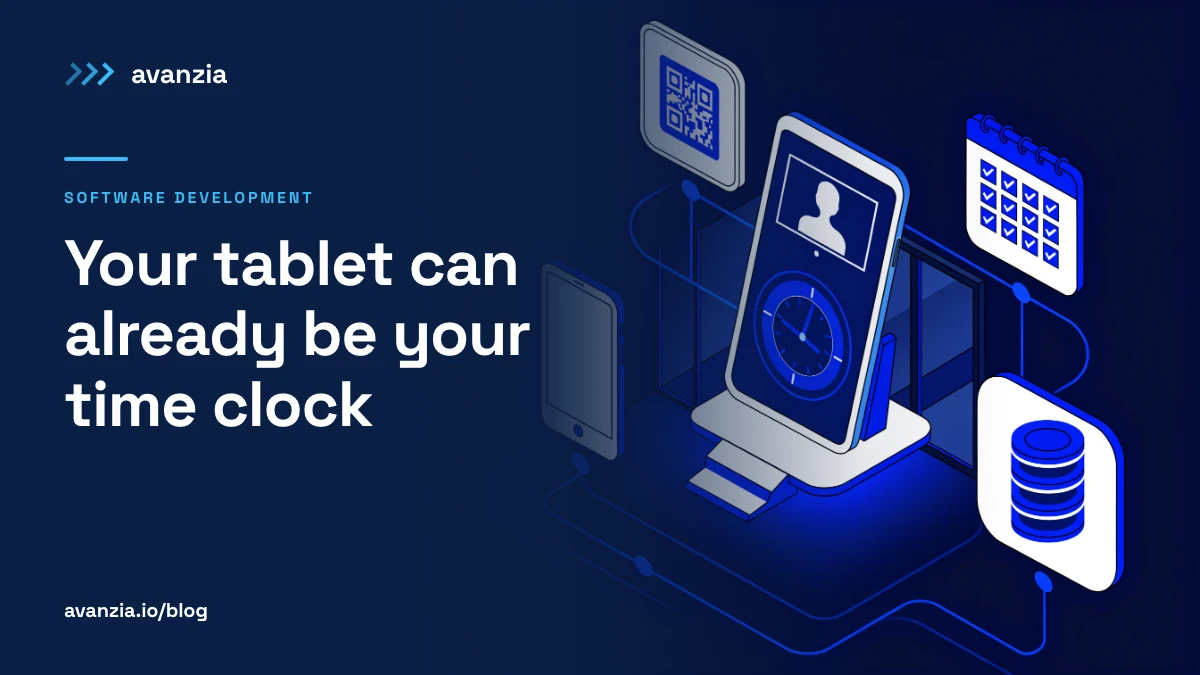
A web-based time clock works the other way around. The tablet or phone is only the screen and the camera; the record lives on a server. Each clock-in reaches a database immediately, and the report for payroll, the supervisor or the authorities comes from there.
In practice, that lets you:
- Use what you already have: a basic Android tablet at the entrance, an old iPad, a laptop with a camera at the front desk, or the foreman's phone on a job site.
- Move the time clock: if a branch changes hours or opens a shift somewhere else, you set up another device.
- See every location in one place, without downloading anything from each device.
- Adjust the system when the STPS publishes its rules, without changing hardware.
On the tablet you turn on single-app mode (on Android, "screen pinning"; on iPad, "Guided Access") so nobody leaves the time clock. All it needs is a modern browser.
What the time clock needs so the record holds up
This is the difference between a time clock that works and one that only looks like it does. These are the rules we follow in the time clocks that companies with staff across several locations use today.
1. The server sets the time, not the device
A tablet's clock can be changed from settings in ten seconds. If the clock-in time comes from the device, the record proves nothing. The right time is the server's, and it is worth keeping two: when the clock-in was taken and when it reached the server.
2. Every clock-in leaves evidence
A clock-in that only says "Juan, 8:02" can be disputed. One that includes the person's photo with the server's date and time stamped on the image, much less so. Before taking the photo, the time clock checks that there is exactly one face in front of the camera: if nobody is there or two people are, it does not allow the clock-in.
Note: keeping a photo as evidence is not the same as facial recognition. A person reviews the photo when there is doubt. Facial recognition turns the face into a biometric template, which is sensitive personal data with additional obligations. If your time clock uses recognition, ask what it stores, where, and how many honest clock-ins it rejects.
3. People identify themselves without relying on their face
The simplest and most reliable way: the person searches for their name or scans the QR code on their badge. The QR code avoids typos and takes a couple of seconds. The photo confirms who was in front of the camera.
4. It works even when the internet goes down
If a branch loses internet at 8 a.m., the time clock cannot leave people outside. The clock-in is stored on the device with its capture time and sent automatically when the connection returns. The server receives both times, and the report shows it arrived late because of the network, not that the person was late.
5. It records more than in and out
The law talks about start and end of the workday, but the lunch break changes how many hours were worked. Our time clocks handle four events: in, out to lunch, back from lunch and out. With that, the system calculates the effective hours of each day and flags incomplete days, such as an in without an out.
6. Nobody deletes a clock-in; corrections leave a trail
There will always be corrections: someone forgot to clock out or clocked in twice. The correction is made, but it records who made it, when and why, and the original clock-in does not disappear. A record that can be edited without a trail is not evidence for anyone, neither for the company nor for the worker.
7. The report comes out in minutes
If the authorities ask for it, or if there is a lawsuit, the record must come out per person and per period, with its photos, without someone spending an afternoon reconciling spreadsheets. That same report feeds payroll and overtime calculations.
What to avoid
- Selfies over WhatsApp. Easy to start, hard to report on. The message time is not a record, and building a month's report from a chat is manual work that gets things wrong.
- A shared Excel sheet. Anyone can edit it and nobody knows who changed what. It is the opposite of what a record needs to count as evidence.
- Buying the device before the rules come out. If the STPS asks for a format or a field the device does not support, the problem is in the hardware. On the web it is a software change.
Your people's data counts too
A time clock collects photos, names and schedules for your whole staff. That puts it under Mexico's Federal Law on the Protection of Personal Data Held by Private Parties. At a minimum: a privacy notice for staff, photos in private storage (not a public link), access only for those who need it, and a clear period for how long they are kept.
And remember the detail in the decree: the record is full evidence if it was agreed on. It is worth putting the recording method in writing, in the employment contract or internal work rules, and letting staff see their own clock-ins. Review it with your labor lawyer; here we only describe what the system should allow.
What to do before January
- Take inventory: how many people, in how many locations, on which shifts, and who builds payroll today with what data.
- Decide where each device goes and test the lighting and internet at that spot before fixing it in place.
- Run in parallel: a few weeks with the new system alongside the current method, comparing reports, to find gaps before they count.
- Put the agreement in writing with your staff on how hours are recorded.
- Review the STPS rules when they are published and adjust. With a web-based time clock, the adjustment is software.
The electronic record can be read as one more compliance task, but also as the first time many companies will have reliable data on how many hours their people work. Done well, the same record feeds payroll, overtime control and shift planning.
If you want to turn the tablets or phones you already have into your company's time clock, or check whether the one you use today would hold up to a review, let's talk. If you want to see how this translates into the cost of a custom system, we explain it with prices in how much custom software costs.
We will update this article when the STPS publishes the electronic record rules. Information current as of November 15, 2026; not legal advice.